Installing NXTools
What is NXTools?
NXTools is a special plugin for Blender that handles the inner workings of Neversoft titles:
In order to create custom levels for reTHAWed, the NXTools plugin has to be installed.
A full, working NXTools setup requires three parts:
Follow the sections below to install these requirements.
Static Meshes (Levels)
Rigged Meshes (Skaters)
Images
And more!
In order to create custom levels for reTHAWed, the NXTools plugin has to be installed.
Requirements
A full, working NXTools setup requires three parts:
Blender - The base app required to use the plugin.
NXTools - The plugin responsible for handling proprietary level data.
Guitar Hero SDK (GHSDK) - An external program used to compile code and more.
Follow the sections below to install these requirements.
Installing Blender
Blender is the app used for creating custom content and levels, via use of the NXTools plugin.
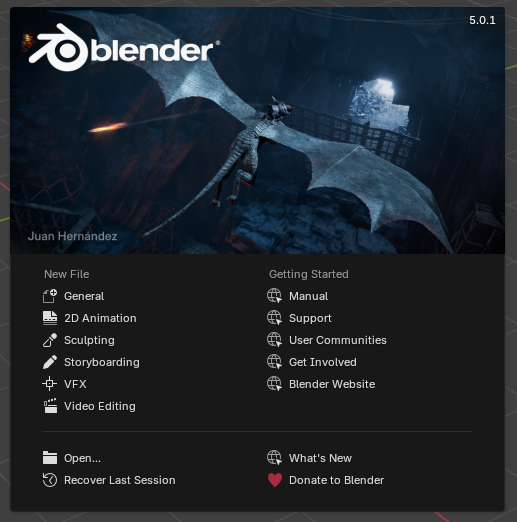
Start Blender and you should see the splash screen!
Windows / Mac:
Windows and Mac users can easily download Blender from the official Blender website.
Linux:
Consult your distribution's package manager for instructions on downloading and installing packages.
Start Blender and you should see the splash screen!
Downloading NXTools
In order to install NXTools, we have to download the plugin.
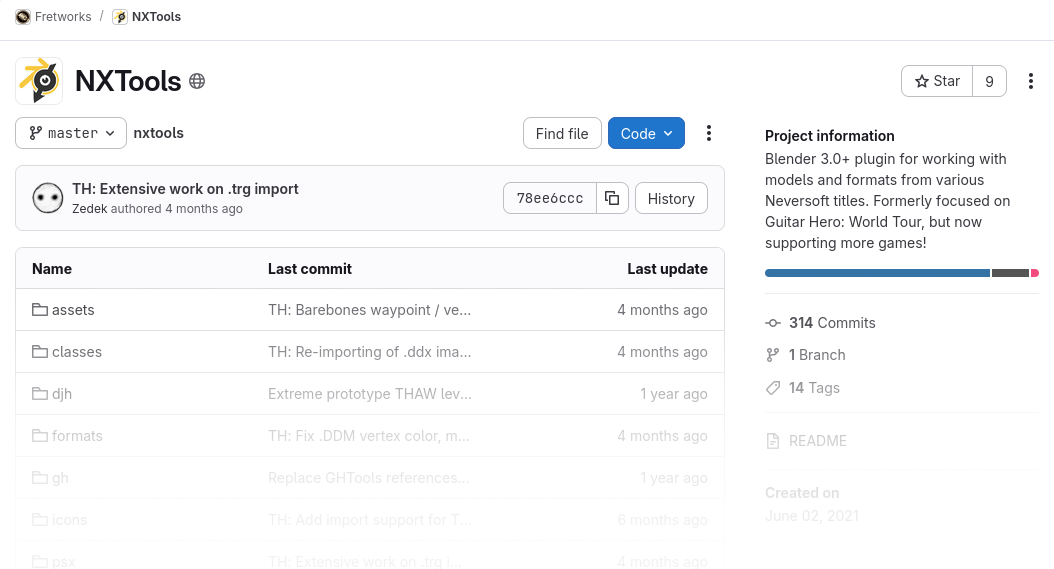

Visit the NXTools Repository on GitGud.
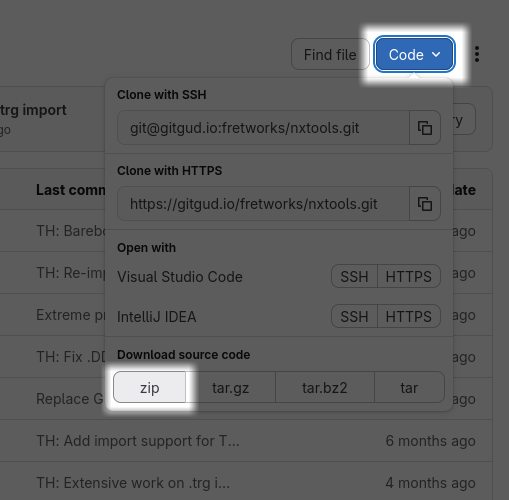
Click the blue Code button, then click the zip button to download the plugin.
Alternatively, use this link to download the latest version.
The NXTools plugin will be downloaded as a .zip file.
Installing NXTools
Installing external plugins can easily be done inside of Blender.


Great! NXTools is now installed!
For characters, models, and image creation, we're done! However, level creation requires one extra step...
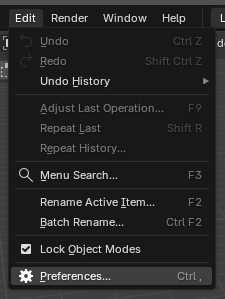
Navigate to Edit -> Preferences
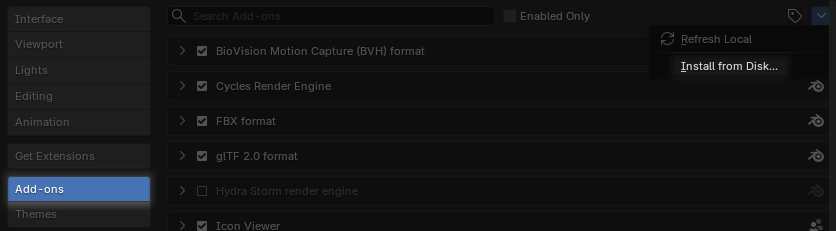
Click Add-Ons in the left pane.
Select Install from Disk... in the right-hand dropdown.
Locate the
nxtools-master.zip file that was downloaded in the previous section.Click the Install from Disk button.
Search for and activate the NXTools - Neversoft Toolkit plugin.
Great! NXTools is now installed!
For characters, models, and image creation, we're done! However, level creation requires one extra step...
What is GHSDK?
Having the Guitar Hero SDK is a required step for level exporting. GHSDK is responsible for compiling code and bundling finalized .pak files for our level exports.
(reTHAWed's base game (THAW) and later Guitar Hero titles share a similar engine.)
(reTHAWed's base game (THAW) and later Guitar Hero titles share a similar engine.)
In order to run the SDK, we need a working node.js installation.
Installing node.js
node.js is the framework required to run the GHSDK. Below are instructions for installing node.js on Windows. Linux users may want to consider using
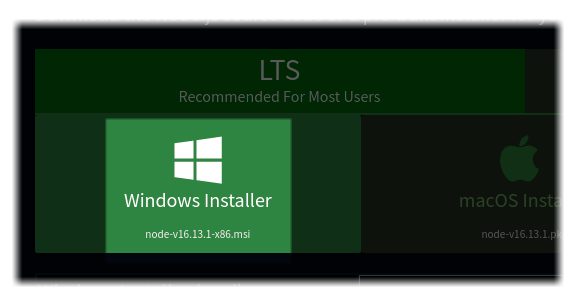
nvm to manage node.js installs.Visit the node.js download page.
Click the download button for the LTS installer, and wait for it to download:
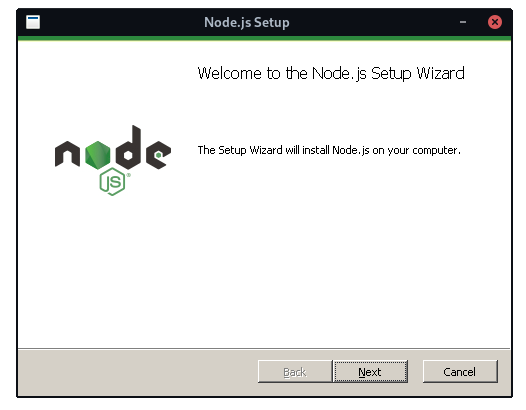
Then, run the installer:
Follow the installation process and node.js will be installed!
For our purposes, using the default installation settings is recommended.
Downloading GHSDK
With node.js installed, we're ready to begin downloading GHSDK.
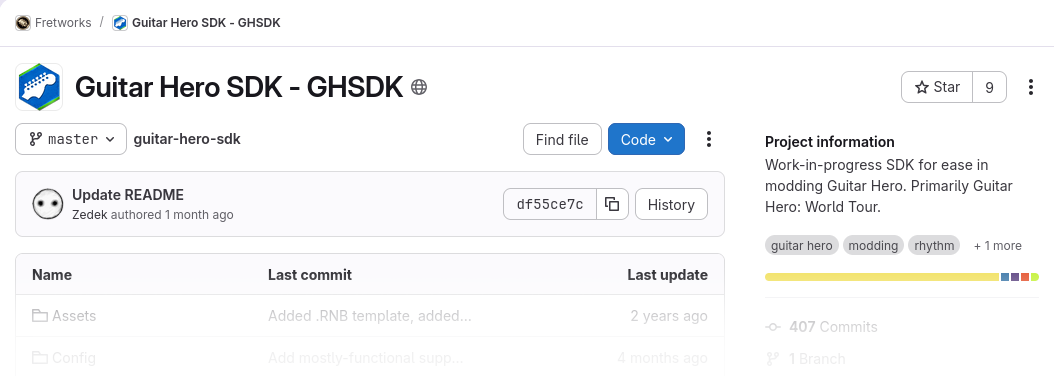
Visit the GHSDK Repository on GitGud.
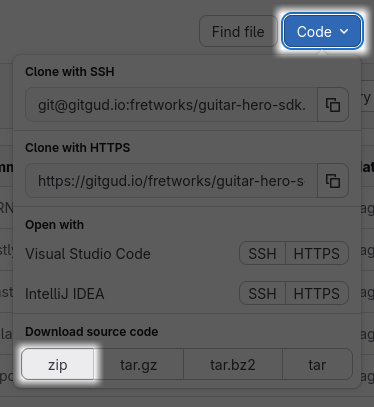
Click the blue Code button, then click the zip button to download the plugin.
Alternatively, use this link to download the latest version.
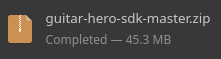
GHSDK will be downloaded as a .zip file.
Installing GHSDK
Open and extract the downloaded
guitar-hero-sdk-master.zip file to a handy location.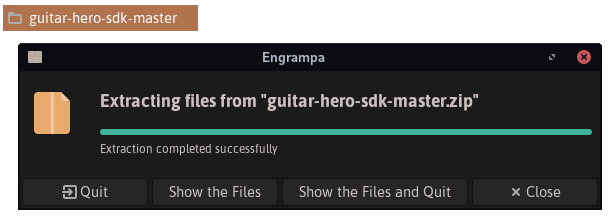
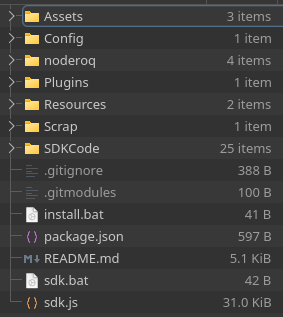
Windows Users
Run the
install.bat file to install necessary packages for GHSDK.If GHSDK has not already started, run the
sdk.bat file to start it.Linux Users
Start a terminal session in the directory and run the
npm install commandRun
node sdk.js to start GHSDK.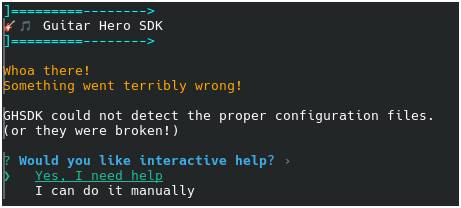
Select the Yes, I need help option.
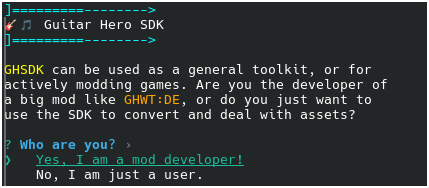
Select the No, I am just a user option.
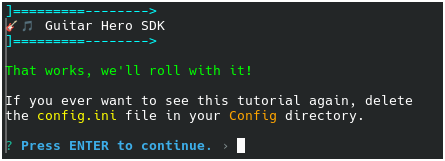
Press the Enter key on your keyboard.
Great! GHSDK is now installed!
Now that we have a functioning GHSDK installation, we need to go back and tell NXTools where it is.
Linking GHSDK
Let's tell NXTools where to find our working GHSDK installation. The plugin needs to be aware of where GHSDK is located in order to use the features it provides.

Perfect! NXTools now has everything required to export a level!
Open Blender.
Navigate to Edit > Preferences
Select Add-Ons in the left pane, and find NXTools - Neversoft Toolkit
Locate the GHSDK Path box.
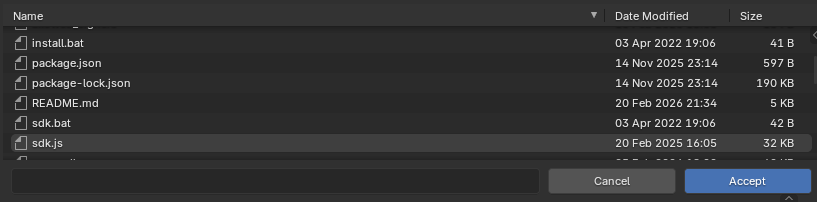
Click the folder icon on the right and browse to our Guitar Hero SDK directory.
Click the Accept button.
Perfect! NXTools now has everything required to export a level!
Conclusion
At this point, the following components should be fully installed:
Follow along with available documentation guides to start building your first level!
Blender
NXTools
Guitar Hero SDK
Follow along with available documentation guides to start building your first level!