Collision
About
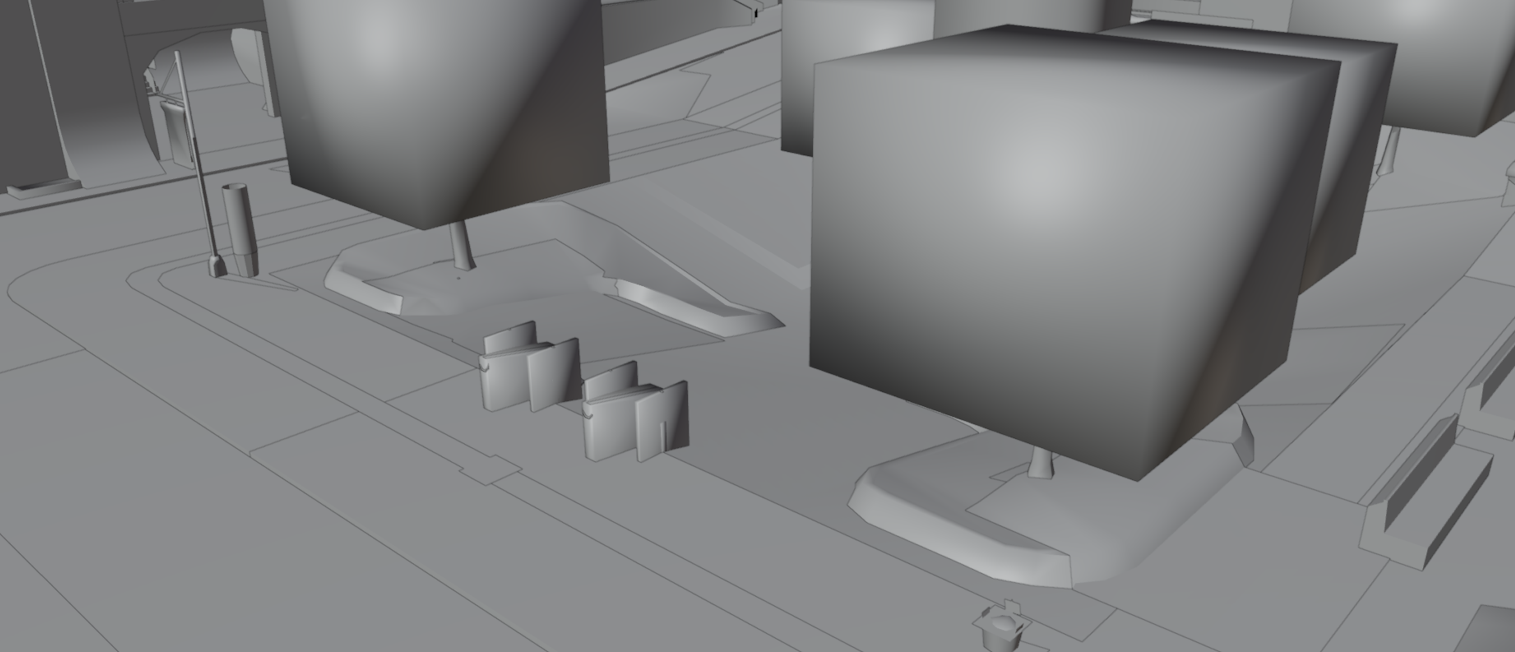
The physical world in most Neversoft titles is divided into two parts:
A world's scene (typically its
The scene has no purpose other than to be visually appealing.
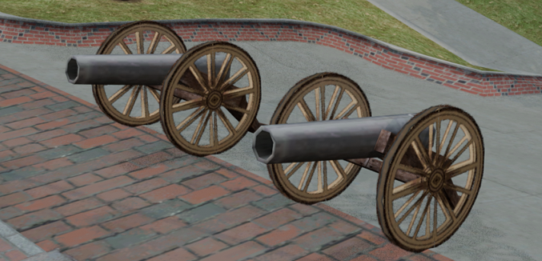
Any world that the player can interact with will have collision data. The world's collision (typically its
Collision cannot be seen by the player and is invisible. Its only purpose is to mark solid objects in the world.
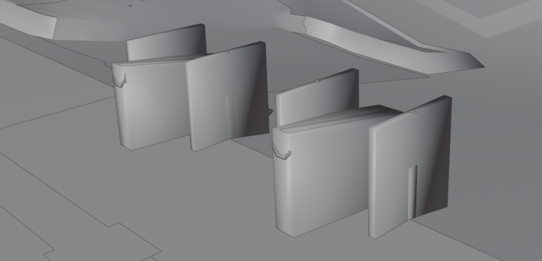
An object must have the Collision box checked in the Object Properties sidebar to have exportable collision!

Scene
A world's scene (typically its
.scn) represents the visual areas seen by the player. A scene contains meshes, materials, textures, and anything that the player can physically see in the world.The scene has no purpose other than to be visually appealing.
Collision
Any world that the player can interact with will have collision data. The world's collision (typically its
.col) represents areas and faces that the player can touch or skate on.Collision cannot be seen by the player and is invisible. Its only purpose is to mark solid objects in the world.
An object must have the Collision box checked in the Object Properties sidebar to have exportable collision!
Face Flags
In collision data, faces behave differently based on the flags that are assigned to them. A single face can have one or more flags assigned to it. The combination of flags will decide how the player will interact with the face when touching, skating, or performing actions on it.
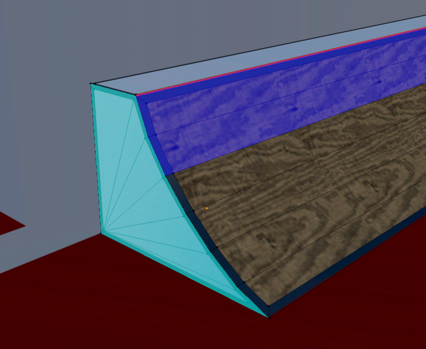
In Blender, face flags can be edited in Edit Mode.
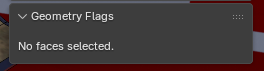
The sidebar will only show face flags if one or more faces are selected.
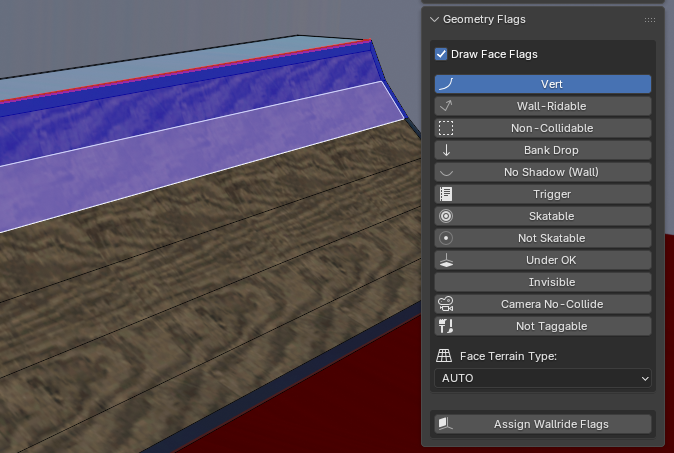
The most notable flags will be highlighted in the viewport with a bright color when applied.
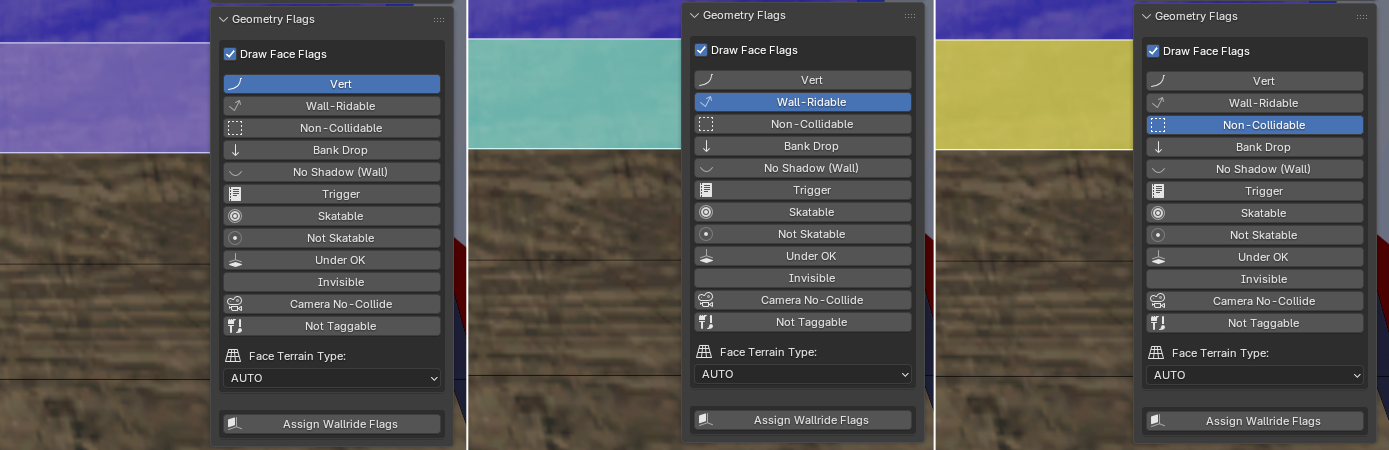
In Blender, face flags can be edited in Edit Mode.
With an object selected, press the
Tab key to enter Edit Mode.Press the
3 key to enter Face mode.Press the
N key to open the sidebar.Expand the NXTools panel.
The sidebar will only show face flags if one or more faces are selected.
The most notable flags will be highlighted in the viewport with a bright color when applied.
Flag Values
Below is an explanation of the most commonly used face flags:
Vert
Marks the face as a vert ramp.
Jumping from this face will place the skater into a vert air.
Wall-Ridable
Effectively marks the face as a wall.
A wallride can be performed on any face marked as Wall-Ridable.
Non-Collidable
Marks the face as a pass-through, non-solid face.
Faces marked as non-collidable can be passed through by the skater.
This can sometimes be used for decals, or used in combination with the Trigger flag.
Bank Drop
Marks the face for Bank Drops.
In THAW and reTHAWed, this flag allows the player to perform a Bank Drop onto the face.
Trigger
Marks the face as a trigger.
Touching the face will execute the object's Trigger Script.
This flag is suitable for teleports, scripted actions, etc.
Skatable
Explicitly marks the face as a skatable face.
Skatable faces can be skated on by the player, regardless of steep angles.
This flag is useful for roll-ins, steep angles, or areas where the player cannot naturally skate across.
Not Skatable
Explicitly marks the face as a non-skatable face.
Non-skatable faces cannot be skated on by the player and will attempt to bounce them off.
Invisible
Prevents graffiti tags and decals from being applied to the face.
Camera No-Collide
Prevents camera collision with the face.
The camera can pass through faces marked with this flag when rotating around the skater.
Face Terrain
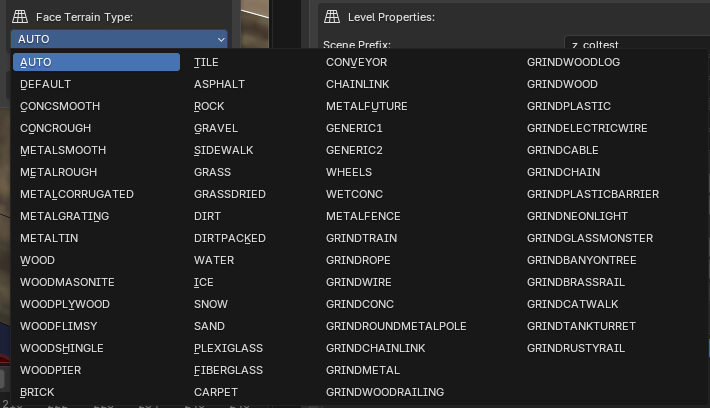
Along with face flags, faces can also have a terrain type assigned. A face's terrain type can affect various properties and behaviors, such as:
The terrain type of a face can easily be changed in the available dropdown menu:
The sound(s) played when skating over the terrain
The particle effect(s) used when skating or walking over the terrain
Ground friction, in the case of certain reTHAWed physics presets
The terrain type of a face can easily be changed in the available dropdown menu:
Triggerboxes
Sometimes, we need to define a region that has no face data. For this, we can use a triggerbox.
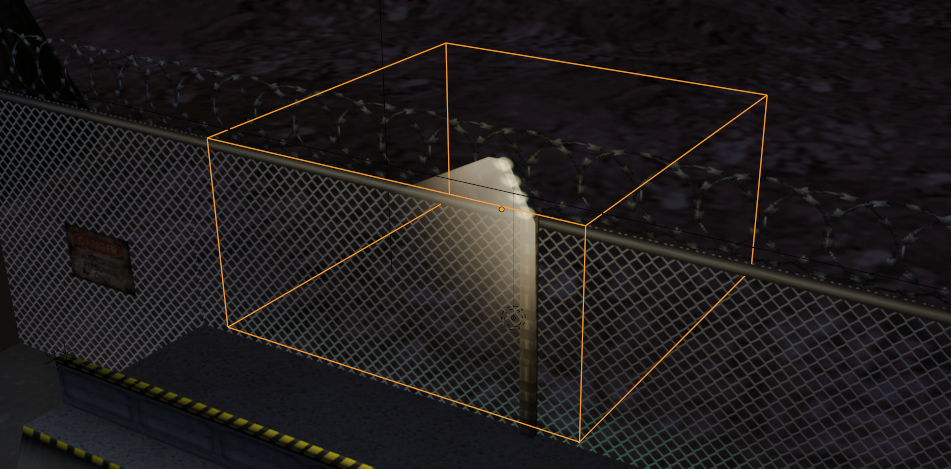
Using a triggerbox is an easy way to determine whether or not the camera (or player) is within a certain region. In most cases, these are used to handle sound effects and and ambient SFX for a level.
For example, we can use a triggerbox to play a sound effect if the camera is within a room, or near an object.
Remember: Triggerboxes are collision objects and must be exported with a level's
NXTools exposes various triggerbox properties in the Object Properties sidebar:

A triggerbox typically falls into one of two categories: Triggers and Emitters.
A triggerbox can be activated either by the camera, or physically by the actual player.
Using a triggerbox is an easy way to determine whether or not the camera (or player) is within a certain region. In most cases, these are used to handle sound effects and and ambient SFX for a level.
For example, we can use a triggerbox to play a sound effect if the camera is within a room, or near an object.
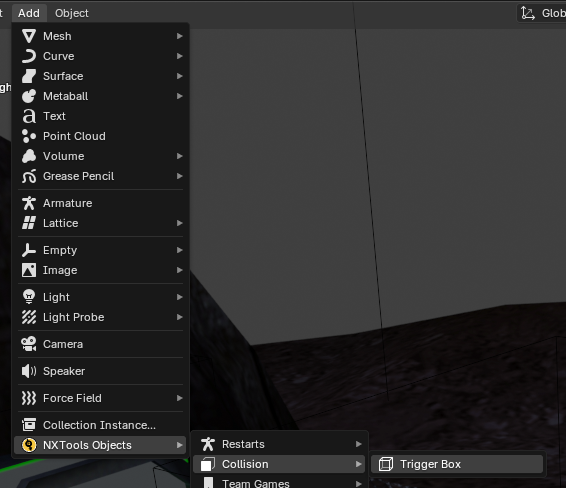
To add a triggerbox, go to Add > NXTools Objects > Collision > Trigger Box
Remember: Triggerboxes are collision objects and must be exported with a level's
.col file! These are invisible objects that cannot be seen and exist solely for player interaction!Properties
NXTools exposes various triggerbox properties in the Object Properties sidebar:
TriggerBox Type
A triggerbox typically falls into one of two categories: Triggers and Emitters.
The Proxim Node type essentially acts a trigger. This calls a script when the player or camera is in the box.
The Emitter Object type is used as the source for sound effects. 3D sound effects get played at this location.
Proximity Type
A triggerbox can be activated either by the camera, or physically by the actual player.
The Camera type will trigger when the game's camera is inside of the box.
The Object type will trigger when the skater physically walks or skates into the box.